

Screen Time Guide for Parents: Balance, Boundaries and Better Habits
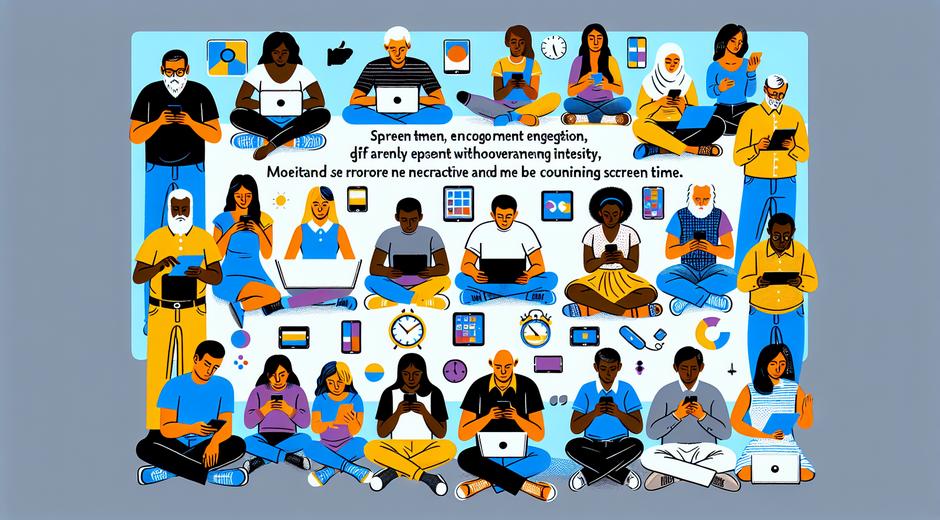
Screen Time is one of the most discussed topics in modern parenting. From toddlers to teens every family faces new choices about how much time children spend with phones tablets computers and televisions. This article will help you understand the benefits and risks of Screen Time provide practical strategies to manage it and offer easy to follow routines you can try today. Use these tips to create healthy habits that support learning social skills and sleep while still allowing space for creativity and rest.
Why Screen Time Matters
Digital screens are powerful tools for learning entertainment and connection. High quality content can support school skills language development and family bonding when parents engage with their children. At the same time too much Screen Time can interfere with sleep physical activity and face to face social skills. When Screen Time replaces play or sleep it can lead to behavioral problems or learning delays. The goal for parents is not to eliminate screens but to make Screen Time intentional balanced and age appropriate.
Age Specific Guidelines and Practical Targets
Official recommendations vary by source but a simple age based approach helps families set realistic limits. For infants under one year most experts advise avoiding screen media except for video calls with relatives. For toddlers age one to two focus on high quality content and parent child interaction. For preschool children age three to five limit entertainment Screen Time to one hour per day of quality programming and co viewing when possible. For school age children aim for consistent schedules that balance homework social time sleep and physical play. For teens encourage self regulation good sleep hygiene and daily limits that support school performance and mental health.
How to Create a Family Media Plan
A family media plan turns broad ideas into real day to day rules. Start by listing priorities such as sleep school family meals and physical activity. Decide when Screen Time is allowed such as after homework or during long car rides. Designate certain zones in the home as screen free such as the dinner table bedrooms and early morning routines. Explain the rules clearly and be consistent. Teens can help design the plan which increases buy in and helps them learn self management.
Tools and Techniques to Manage Screen Time
There are many tools to support your plan. Use device settings and built in timers to limit app use and to schedule downtime. Parental control tools help filter content and set time limits for younger children. But technology is only part of the solution. Use predictable routines and natural consequences. For example when it is time for sleep screens must be put away at least one hour before lights out. Create visual timers or charts for younger children to help them understand how much Screen Time they have left.
Making Screen Time Educational and Engaging
All Screen Time is not equal. High quality content can teach new vocabulary math skills and science concepts. Look for age appropriate apps and shows that encourage problem solving creativity and interaction. Co viewing matters. When parents watch with children and ask questions or tie the content to real life learning the value of Screen Time increases. Try activities that extend learning beyond the screen such as doing a craft after watching a tutorial or writing a short story inspired by a show.
Screen Time and Sleep
Many families do not realize how strongly screens impact sleep. Screens emit blue light which can interfere with the brain signals that promote restful sleep. Evening Screen Time can delay melatonin release and shorten total sleep time. To protect sleep set a consistent device curfew at least one hour before bed and make the bedroom a screen free zone. Replace evening screen routines with calming activities such as reading a book playing soft music or practicing simple breathing exercises.
Strategies for Different Ages
Toddlers Need direct interaction during any educational media. Use short sessions and co view to make it meaningful. For preschoolers Choose high quality content and follow with a related activity such as drawing or a small hands on game. For school age children Balance entertainment with homework and hobbies. Use parental tools to set time limits and encourage offline social activities. For teens Focus on open communication teach self regulation and model healthy habits. Discuss how social media impacts mood and how to set personal boundaries to protect mental health.
Everyday Routines to Reduce Passive Screen Time
Small consistent changes add up. Create a morning routine that includes time for breakfast and reading rather than immediate screen checking. Make family meals tech free to support conversation and connection. Plan weekly screen free activities such as board game night outdoor play or simple science experiments. Keep devices in a central charging station overnight to remove temptation. These routines help reduce passive screen use and create space for richer interactions.
Dealing with Resistance
Children may resist new rules. Approach changes calmly and explain the reasons in age appropriate language. Offer choices such as select the show you want to watch after homework or choose the activity you prefer for family night. Use positive reinforcement and celebrate when kids meet goals. If a child struggles with limits break changes into small steps and increase gradually to avoid power struggles.
When to Seek Professional Advice
If you notice significant changes in mood sleep or school performance linked to Screen Time consider reaching out to a pediatrician school counselor or a child mental health professional. Persistent sleep problems anxiety or behavioral issues may require more structured support and targeted strategies that a specialist can provide.
Real Life Tips That Work
Time block Screen Time rather than leaving it open ended. Pair screen use with physical activity for example follow a thirty minute show with a twenty minute outdoor game. Use timers to teach responsibility and to remove conflicts about who gets what time. Rotate apps and toys to keep interest high while reducing constant screen reliance. Lead by example. Children notice adult habits so reduce your own passive screen use during family time.
Extra Resources and Ongoing Support
As you refine your family plan remember that community resources can help. You will find many helpful guides articles and templates at coolparentingtips.com that explain how to build a family media plan and give age specific ideas. For family travel trips provide a natural break from screens and a chance to build memories and new skills. If you want inspiration for travel that promotes family bonding consider checking recommendations at TripBeyondTravel.com which highlights family friendly itineraries that encourage outdoor exploration and hands on learning.
Final Thoughts
Screen Time is not inherently good or bad. It becomes positive when it supports family values learning and healthy routines. The best approach blends clear boundaries consistent routines and active participation by parents. Focus on quality over quantity teach self regulation and provide appealing alternatives to digital media. With simple steps you can reduce conflict build stronger connections and help children develop lifelong healthy screen habits.